7 Steps to Build a Keyword List for Comparison Pages
 Written by James Parsons • Updated April 15, 2026


Comparison pages are powerful content because they strike at the heart of what people are searching for in a product space. It's highly relevant and useful content targeting the commercial search intent, when users are already familiar with their needs and the options available, but haven't decided which option to buy.
Some of the most useful searches to target are those that compare two (or more) products. Even if the products are similar, the differences drive users in one direction or another based on their specific needs. So, understanding how each product compares along those axes is extremely useful information.
Comparison pages come in two forms and with two different styles. All of them more or less work the same way, though, and the keywords you're going to target for them will be the same, making keyword research one of the most important parts of designing these pages. So, let's go through how to do that keyword research.
Key Takeaways
- Comparison pages target commercial intent, helping users who know their options but haven't decided what to buy.
- Pages can either promote your own product against competitors or build authority by comparing two outside products.
- Google autocomplete scrapers help identify which competitors users commonly search for and want compared.
- Google's AI Overviews reveal key comparison points like pricing, features, and ideal use cases worth covering.
- Monitor referral data after publishing to discover new keywords and update pages as products change.
Table of Contents
Step 1: Decide on a Comparison Page Form and Style
The first thing to do is decide which of the forms and which of the styles you want your comparison page to use. This has a relatively small effect on the keywords you pick, but it's important for knowing your overall goals.
First, the form. Form in this case is whether you want this page to be a CTA for your business, or you want it to be an authority-building resource.
The choice here is basically this: are you comparing a competitor product to yours, or are you comparing two competitor products to each other?
The first option is when you create a page comparing your own product to a direct competitor of yours. Ahrefs has an "Ahrefs vs Semrush" page, where they go over the differences between the two services. Ahrefs is looking to present themselves as the better alternative, so it's a heavily CTA-focused landing page.
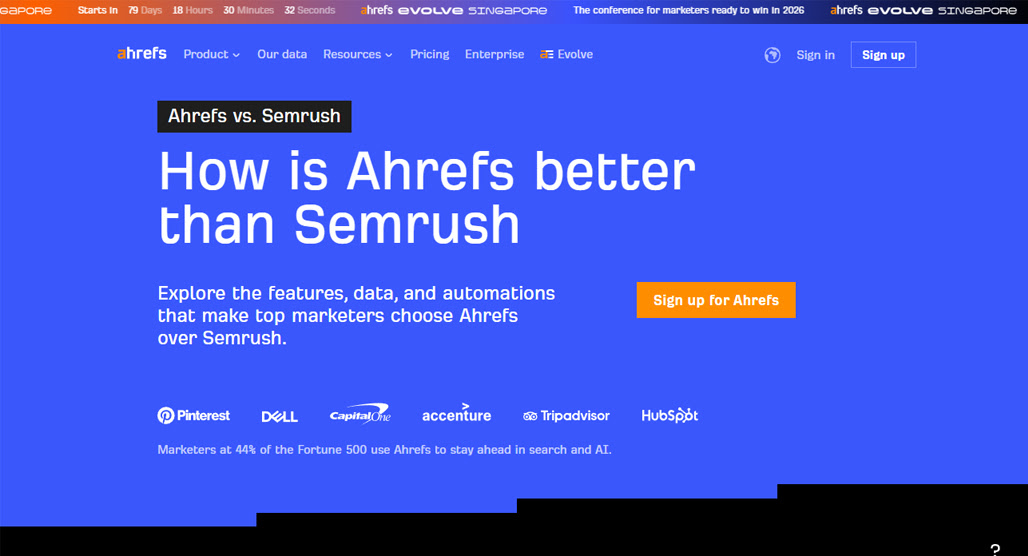
This can be very effective for showcasing the differences between you and a competitor, but it's also obviously going to be heavily biased. No one is going to portray a competitor in a favorable light, right?
On the other hand, if you're making a "comparing two competitors" page, you're leaving off your own branding in favor of the branding of the two products against each other. I wrote a "SpyFu vs Semrush" post a while back, which is a good example. I am neither SpyFu nor Semrush, and I don't get anything out of a customer buying one or the other (though this is a good page format for affiliate marketers to use.)
What do I get out of this kind of post? Authority. When people find my resource page and read about these two products, then decide which one to buy, they'll think about how my information helped them. They'll trust me more because I've been of assistance in the past, so when it comes time to promote me or choose me over another brand, they're more likely to pick me.
So that's form. What about style?
Style is simple: 1v1 or 1vX?
Both of the examples above are 1v1 comparisons. It's two companies or products directly compared with one another, to showcase which one is better across a variety of data points.
The 1vX comparison is a way to scope out more competitors at once. Ahrefs has a much more casual version of this (compared to their Semrush comparison page) here, where they run through a bunch of competitors using data like pricing, customer numbers, reviews on third-party review sites, and so on.
It's roughly the same data, though in this case presented in a worse way. You can also do the same thing in the other form, comparing several products, though this often takes a more review-like or aggregator-like presentation in a blog post instead of a landing page.
I will say that most companies opt for a hybrid approach here, at least for their "us vs them" comparison pages. Mangools is a good example; they have a core "Mangools vs X" page, which then links to individual, more detailed comparison pages to each competitor. If you're curious how those stack up, I did a Mangools vs Ahrefs comparison that covers their differences in depth.
How do these differences affect keyword research?
- If you're including yourself, you can include more specific keywords to your brand.
- If you're not including yourself and using the post to build authority, you can include less purchase-focused keywords.
- The less purchase-oriented the comparison, the more informational keywords you can include.
It's a small difference, but it can be meaningful in filtering your keyword list at the end of the process.
Step 2: Brainstorm Seeds for Comparison Searches
This is a relatively easy step, but it's one that's worth dedicating a section to because it kicks off the keyword research process.
Think first about how people are going to be searching for comparison information. What kinds of Google searches would someone type in?
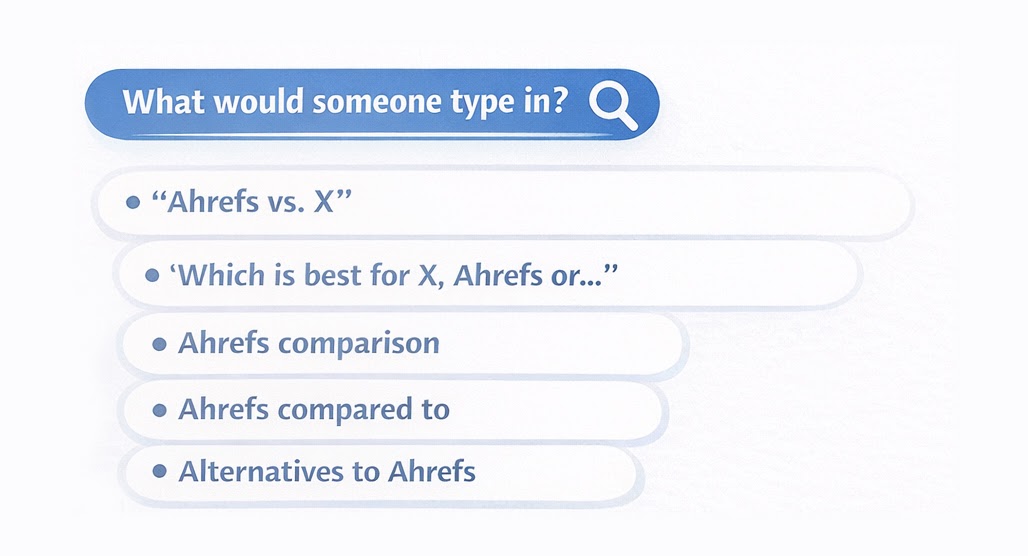
Using Ahrefs as an example (but any brand or product name will work), think of things like:
- "Ahrefs vs. X"
- "Which is best for X, Ahrefs or…"
- "Ahrefs comparison"
- "Ahrefs compared to"
- "Alternatives to Ahrefs"
Some of these serve as an entire Google search on their own, while others are the initial seed of many possible searches. They'll give you a jumping-off point to use for further research.
Step 3: Gather Initial Keywords with a Google Keyword Scraper
Now, there are a ton of keyword research tools out there, and a lot of them are just Google autocomplete scrapers. Using these, you can plug in the seed keywords above and get a scrape of what Google suggests.
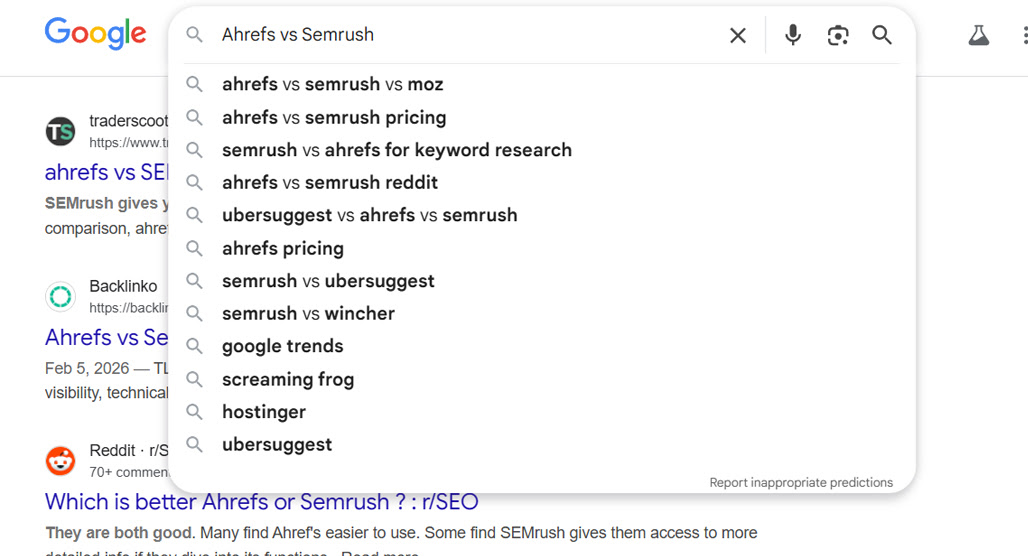
For example, if you use "Ahrefs vs X" as your seed, you can get results like:
- Ahrefs vs Semrush
- Ahrefs vs Moz
- Ahrefs vs Ubersuggest
- Ahrefs vs Brightedge
- Ahrefs vs Screaming Frog
- Ahrefs vs Similarweb
This is mostly going to be basic competitive research, showing what companies or products people out there view as comparable and want to see how they stack up. This is either the foundation of each comparison page you want to make, or the main list of competitors you want to compare in a batch.
Step 4: Gather the Points of Comparison
The next step is similar: find which specific attributes of a product people want to compare. This will give you a list of keywords that help you decide which primary points of comparison you'll need to touch on in your comparison page.
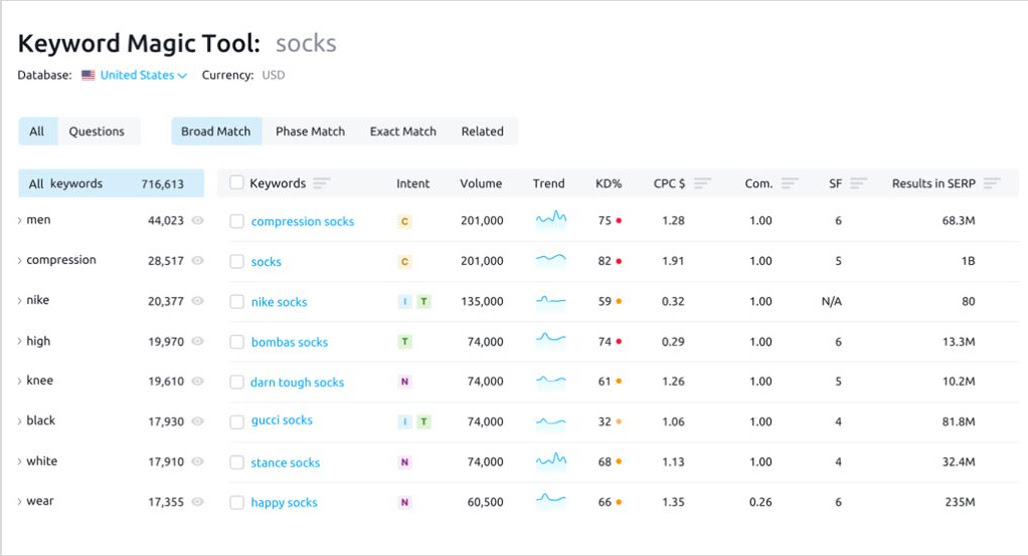
Most of these will be the same for each competitor, but you may have specific, unique features for one or another that crop up. Google scrapers can give you some of this data, but other keyword research tools can also provide competitive keyword information. You'll end up with a list that includes things like:
- Ahrefs vs Semrush comparison
- Ahrefs vs Semrush pricing
- Ahrefs vs Semrush accuracy
- Ahrefs vs Semrush keyword research
- Ahrefs vs Semrush data
- Ahrefs vs Semrush extension
You'll also see variations on some of these. For example, "Ahrefs vs Semrush cost" is also worth targeting in addition to "Ahrefs vs Semrush pricing".
Brainstorming here also helps; if there are specific points of comparison you want to draw, even if they aren't commonly searched, if you want to make a point of bringing up the information, add it to your list.
Don't Forget the AI Overview
This is one area where Google's AI Overviews are pretty useful. You can perform a search like "Ahrefs vs Semrush" and just see what key points the AI summarizes.
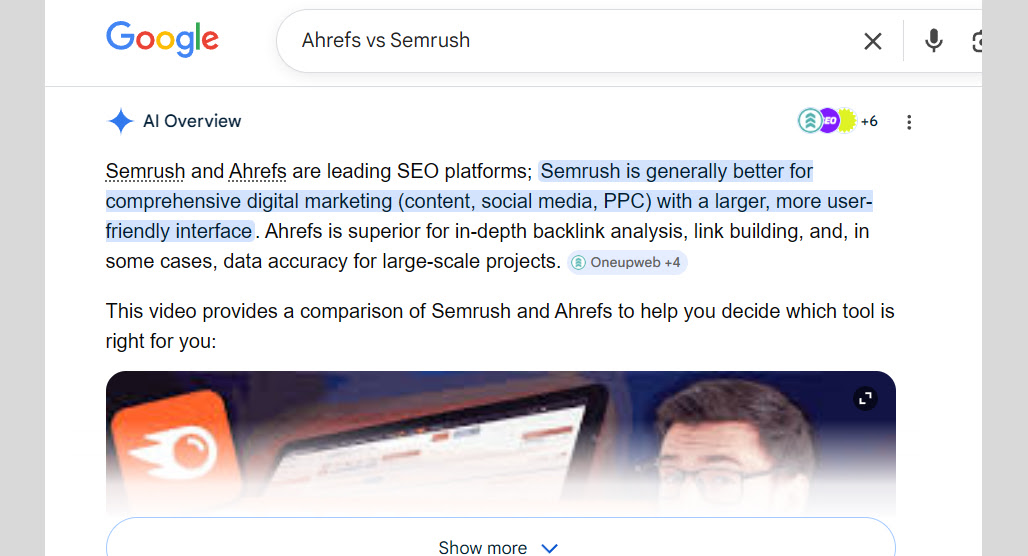
In this case, it gives you details like:
- Backlinks and Data
- Breadth of Features
- Who it's Best For
- Limits on Plans
- Content and Keyword Tools
- When to Choose Which Tool
Don't forget to run the search using different browsers and in a private browsing or incognito window, since the AI can generate new responses and give you more ideas. Getting 2-3 variations gives you a pretty robust idea of what it's going to tell you.
Step 5: Check Your Own Keyword Data
Another source of potential keywords is your own referral data. This is most useful when you're making comparison pages with your own product as the centerpiece, but it can still be handy when you're just making authority-building content, because it gives you more ideas on what kinds of terms people use to search.
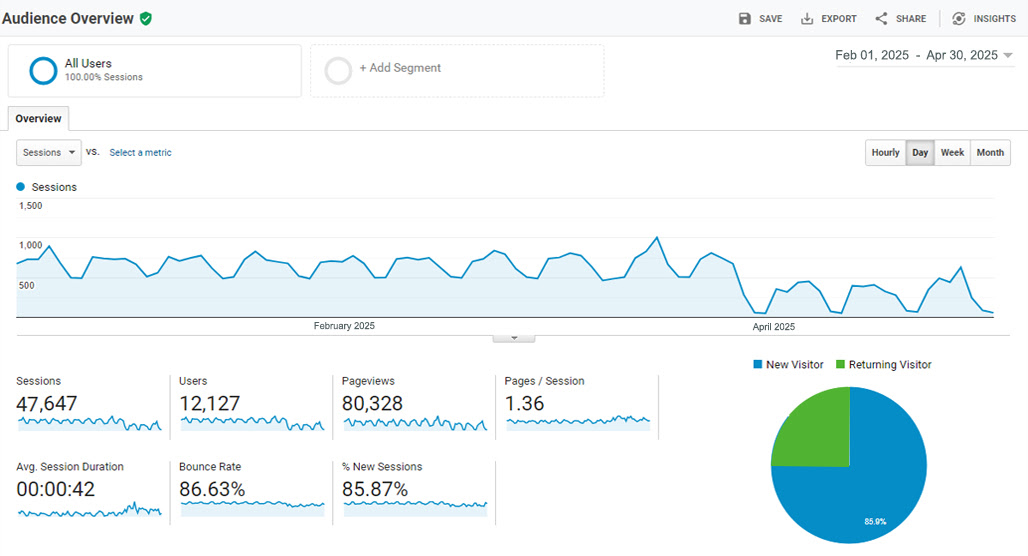
This is just a matter of checking your Google Analytics and looking for relevant keywords. Different kinds of brands will have different sorts of keywords, so comb through what you have and see what inspires you.
Step 6: Expand, Qualify, and Filter Your Keywords List
At this point, you should have a pretty sizable list of keywords. Now it's time to figure out which ones to use.
This is where clustering tools can come in handy. However, there's a pretty good chance your keyword list here is going to be relatively short, since there are only so many relevant ways that people want to compare two products.
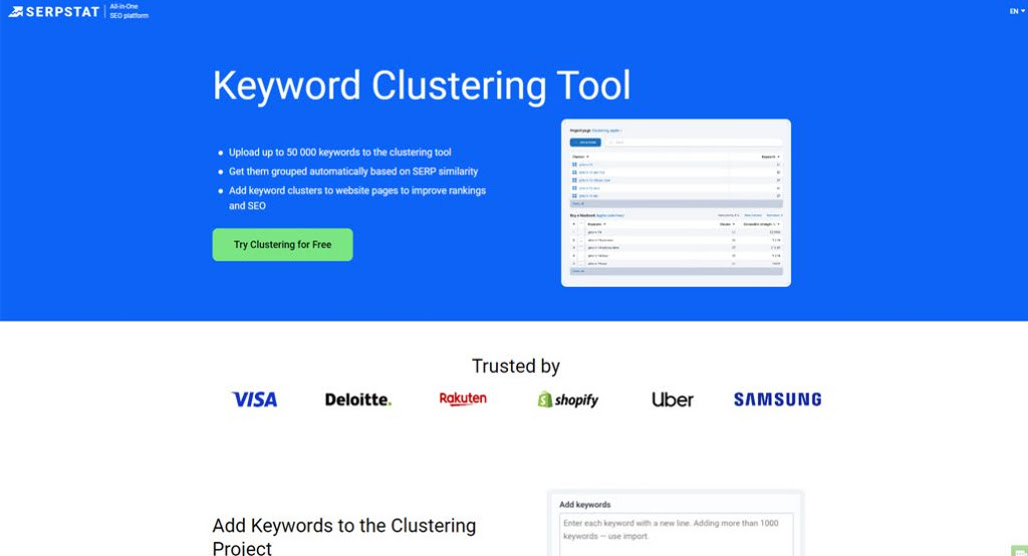
To that end, you can probably just manually group them up. The brand vs brand keywords can be headings on a mega-page, or they can be your index for individual comparison pages. Each individual point of comparison (things like cost, features, specific metrics, data sources, core LLM, and so on) can all be headings in the comparison pages.
For instances where you have several variations on keywords, you need to determine which one is the primary keyword and which ones are secondary. You'll still likely want to use them all if you have the room to do so, but the one that goes in the heading is the most prominent.
To find that out, you need to use a keyword research tool that gives you volume information. You don't really need difficulty information here, since you're going to use the keywords regardless. So, picking the one with the most volume gives you the best chance to show up in those results. If you're curious how those difficulty scores are calculated, here's a look at the most accurate ways to check keyword difficulty.
Sometimes, the keywords you brainstormed or the ones a keyword tool generated aren't directly useful. This can be a case of comparison where there's no real concern for the differences, or it can be a case where it's something only one of the two does. In those cases, you can include it if it's beneficial for your goal, but leave it out if it's not.
Basically, if you have a unique feature a competitor doesn't, include that fact. If a competitor has a unique feature you don't, leave it out, unless you want to explain how you can get similar results or more useful data without it.
Step 7: Implement Comparison Pages and Watch Future Referrals
Now you have a series of useful grouped keywords. Implement your comparison pages!
If you're doing an authority-building, objective, blog-post-style comparison between two products, you'll want to be as thorough and detailed as necessary to convince users which one they will find more useful. These tend to be lighter on the CTAs and media, but can go deeper into more objective details, link to case studies, and provide other data sources.
If you're comparing your own service to others, you'll want to go heavy on the visual media. People want to skim these pages to get the value they need out of them, which means making it easy to navigate and discern what data points are where.
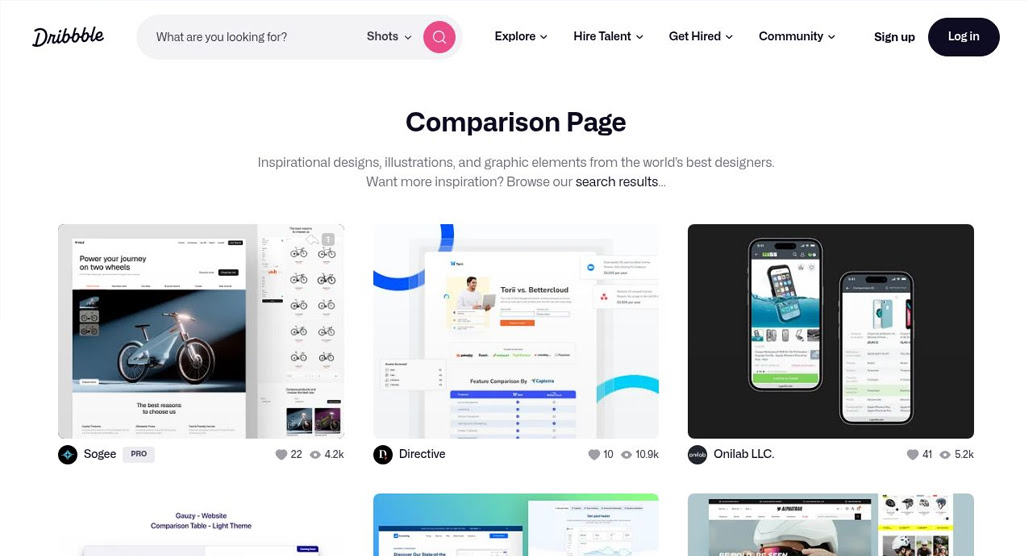
This is a great time to look at other comparison pages that are out there and study how they work. How do they incorporate keywords? How do they present their points? What do they leave out?
AI Overviews can also give you an idea of how to structure your comparison page, because they're generated based on the aggregate total of existing comparison pages, though they aren't optimized, so I wouldn't copy them one for one.
This also isn't an endpoint. You'll need to keep this page up to date, not just when you change your product, but when your competitors change theirs.
You can also monitor your own referral data for these pages, and see if new keywords you didn't think about have led users to you. You can then implement those keywords to reinforce the association. In fact, you can even use a website pop-up or slide-in; if a user is going to exit or has reached the bottom of the page, just ask them: Is there something they wanted to know and couldn't find? If you get anyone asking you something you didn't cover, it's a great way to add it.
Comparison pages in general are likely going to slip in value in the coming years as AI does more and more to take over the space, but they'll always be useful, and the AI has to get its data from somewhere. Being the one to provide that data is handy regardless.

Related Posts


Leave a Comment


Fine-tuned for competitive creators
Topicfinder is designed by a content marketing agency that writes hundreds of longform articles every month and competes at the highest level. It’s tailor-built for competitive content teams, marketers, and businesses.
Get Started